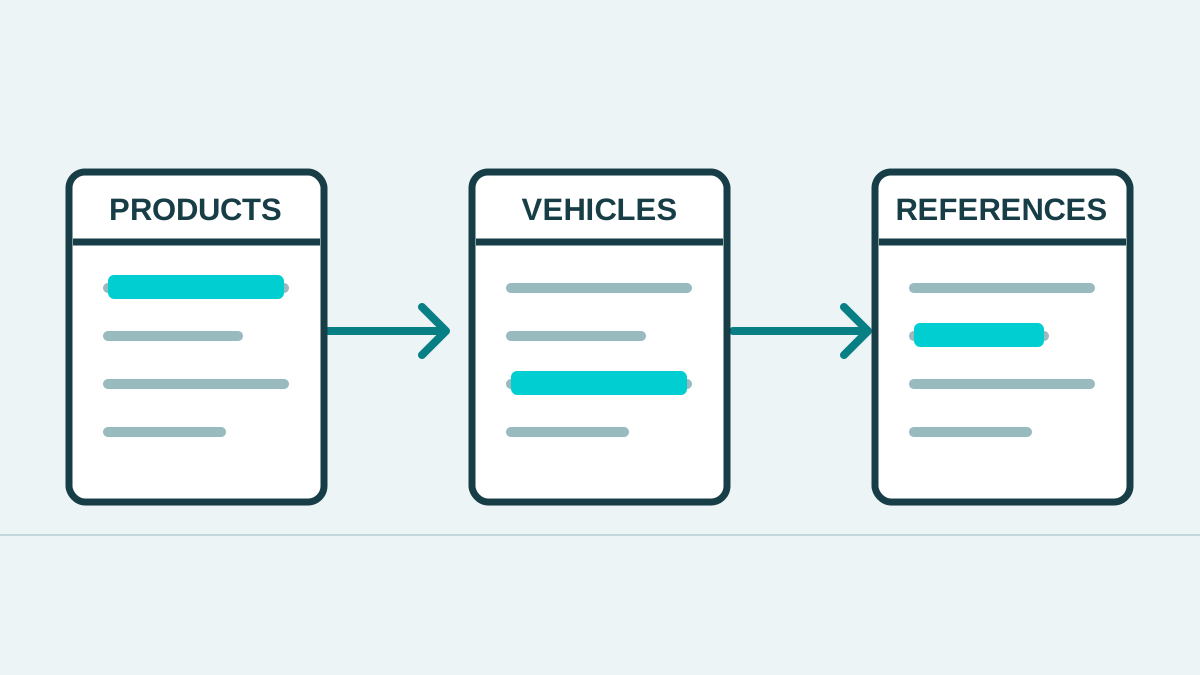
Product files from different teams may use different names for the same component, treat leading zeros inconsistently or put several vehicle applications into one cell. When the files become a catalogue, the first problem is understanding what each record means and making it searchable.
Before choosing a system, distinguish the information that identifies a product, the information describing which vehicles it fits, and the reference numbers associated with it. Keeping these separate gives the team a shared basis for checking and updating records.
Start with three groups of information
Product information describes the item: brand, product number, component name, unit of sale and the attributes that distinguish it.
Vehicle application data describes the supported vehicle or conditions, such as make, model, year range or engine, where evidence is available. Do not add applications simply because two product names look similar.
References and sources record related numbers, the type of relationship, source documents and verification dates. They make it possible to trace why records were connected.
An industry example is the Auto Care Association’s distinction between ACES for fitment data and PIES for product information. This separation is a useful starting point for data design. The actual format should reflect the business’s markets, trading partners and data-use rights.
Fields to agree before preparing the data
| Information | Storage approach | What to check |
|---|---|---|
| Brand and product number | Separate fields; store numbers as text | Leading zeros, punctuation and duplicate numbers within a brand |
| Component name and position | Agree a consistent vocabulary | Left or right, front or rear, and unit of sale |
| Vehicle applications | Separate the details needed for search | Documented year ranges, variants, engines and conditions |
| Related numbers | Record the relationship type | Reference, supersession or a relationship awaiting review |
| Source and review status | Keep the document, date and responsible team | Distinguish verified records from incomplete information |
This is an example for planning a data structure, not a specification of a particular standard. The fields and relationships should be designed around how the data will be used.
Make numbers searchable without losing the original
Keep the source number. If a normalised search value is needed, store it separately and agree how spaces and character formats will be handled. Do not remove punctuation or leading zeros across all brands without checking the effect.
For example, DEMO-001 and DEMO001 could be used to test a search rule. Making both searchable does not prove they identify the same item. These are fictional identifiers used only to illustrate the storage approach.
Test a sample before processing the full catalogue
Include ordinary products, products with several vehicle applications and records with supersessions. Review the sample with sales, product-data and development teams:
- Do real search terms find the records they should?
- Can products from different brands or with different conditions be distinguished?
- Is there a source and a responsible team to resolve conflicting information?
- What rules add, update or retire a record during the next import?
Once these rules are clear, apply them to the wider dataset and agree an update schedule. If you are choosing a delivery method, continue with parts data: API or file delivery?.
Auto Intelligence checks and classifies product information, linking parts references and vehicle applications. The scope is assessed from sample data and the customer’s intended use. Explore our parts database and cross-referencing service.